
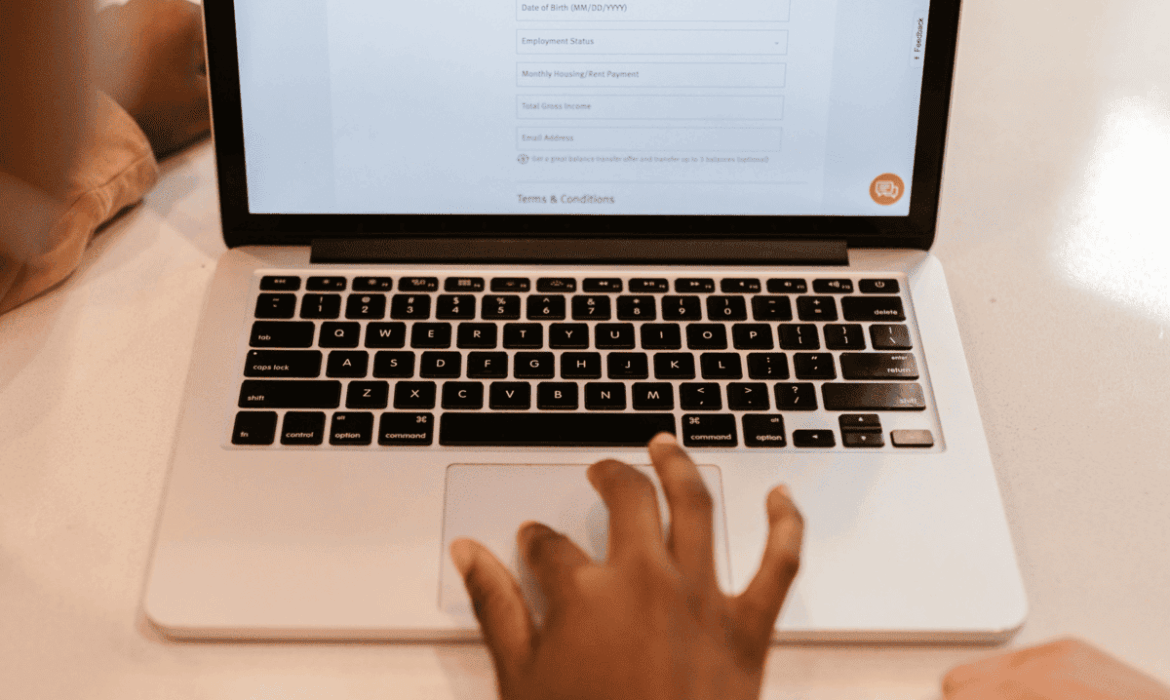
When a customer gives your business their name, phone number or email address, they expect you to handle it responsibly. They may be submitting an enquiry, requesting a quote or creating an account, but they rarely know what happens to their information afterwards. It could be stored on your website, sent to an inbox or copied into a backup. If that information is not properly protected, a customer could end up dealing with unwanted contact, identity fraud or other consequences simply because they trusted your business with their details. This is why customer protection needs to be considered from the moment information is collected, not only when something goes wrong.
What Happens to Information After a Customer Submits It?
Clicking “Submit” does not mean the information has reached its final destination. Depending on how a website is configured, the details may be saved in its database, forwarded to an employee by email or sent to another service. They may also remain in website or server backups. Businesses need to understand this journey because POPIA requires personal information to be handled responsibly and protected against risks such as unauthorised access.
Your Hosting Environment Matters
The hosting environment is often overlooked when businesses think about customer information. Yet the website database, files and backups are typically stored within that environment. If someone gains unauthorised access to the hosting account or server, the information stored there may also be at risk. Businesses should therefore understand what security measures their hosting provider has in place, who can access the hosting environment and which aspects of security they remain responsible for managing.
HTTPS Does Not Secure Everything
Customers are often encouraged to look for the padlock symbol before entering personal information online. HTTPS is important because it encrypts information while it travels between the visitor’s browser and the website. However, that protection only covers part of the process. It does not automatically secure the website’s plugins, database, administrator accounts or hosting environment. A website can therefore have HTTPS enabled while still having other areas that require attention.
Your Contact Form May Be Keeping Customer Details
A contact form can appear simple from the customer’s perspective. They enter their details, write a message and receive confirmation that their enquiry was sent. Behind the scenes, however, the submission may also be saved within the website. This means customer information could remain accessible long after the business has responded to the enquiry. Knowing how form submissions are stored, where they are kept and which website users can access them is important when deciding how that information should be managed and retained.
Outdated Software Can Create a Data Security Problem
Website maintenance also plays a role in protecting personal information. WordPress, plugins and themes are regularly updated to fix bugs and address security vulnerabilities. When businesses leave outdated components running, they may leave known weaknesses on the website. If an attacker exploits one of those weaknesses, they could potentially gain access to areas containing customer information. Keeping website software updated is therefore part of maintaining a secure environment for personal data.
Backups Can Contain Old Customer Information
Backups are essential when a website needs to be restored after a technical failure or other problem. However, those backups can contain copies of the same personal information stored on the live website. Removing a customer’s details from the website does not necessarily remove them from every backup. Businesses should consider where backups are stored, who has access to them and how long they need to be retained. Limiting access to these copies is particularly important when they contain information that customers reasonably expect the business to protect.
Other Services May Receive Customer Information
The website itself may not be the only system handling customer details. A form could send information to an email platform, CRM, booking system or other third-party service. Online payments can introduce additional systems that process customer information as well. These connections can make data handling more complex because information may move between several services. Businesses should know which services receive personal information and understand how those services fit into their overall data protection practices.
Protecting Customer Information Is a Website Responsibility Too
POPIA compliance is not something that only concerns paperwork or privacy notices. When a business collects personal information through its website, the technical systems handling that information also form part of the picture. Hosting, website security, backups and third-party services can all affect how well information is protected. Looking at these areas together gives businesses a clearer understanding of where customer information goes, who may handle it and what safeguards are needed.
Conclusion
Customers may only see a form on a website, but their information can travel through several systems after they click “Submit”. Every system involved creates another point that businesses need to understand and manage. Reviewing the website, backups, hosting environment, and connected services can help identify weaknesses before they result in a serious problem. Protecting personal information means knowing where customer data goes and how it is secured at every stage. A website is only one part of that process, but it is an important place to start.